
Quick answer: Yes — most Kroger stores offer staff-assisted faxing at the customer service (Money Services) desk, though availability varies and it’s being phased out at some locations, so call ahead. It’s about $2 for the first page and $1 for each additional page, with no charge for a cover page — one of the cheapest counter options. For volume, or to fax from home, an unlimited app like Municorn Fax ($9.99/week) is easier.
Need to send a fax but not sure where to go? Many people don’t realize that most Kroger stores offer faxing services right at their customer service desk. Typically, the cost is around $1 to $2 per page for local faxes and may be higher for long-distance or international faxes. For precise pricing, it is best to contact your local Kroger store directly.
You can fax at Kroger at over 2,800 stores across the US. The staff will be happy to help you send local and long-distance faxes while you’re in the store. Did you know? They’re even cheaper than FedEx or Office Depot!
Need to send multiple faxes? Save yourself the time and hassle by using an online fax service instead of driving to Kroger. You can send your documents from your phone or computer – and some even let you try a free test fax before you commit!
Sending Faxes at Kroger: What You Need to Know
Check that your local Kroger has faxing services – most stores do! The fax machines are at the customer service counter and you can use them during regular opening hours. Customers can send faxes to both local and long-distance numbers. The service staff will help set up the fax and make sure it goes through correctly.
Each store has different peak times for fax services. Early mornings and weekends often have shorter wait times.
Costs and Payment Methods
The first page costs $2 and any additional pages are $1. The good news? You won’t have to pay extra for the cover page! That makes faxing at Kroger one of the cheapest options around. Prices do vary by location though so feel free to ask the staff for the prices and options first.
If you’re bringing in your own documents to fax, you’ll need one of these methods to pay:
- Cash
- Credit cards
- Debit cards
For most Kroger locations, the price stays the same for both local and long-distance faxes within the United States. But once again – the staff can give exact costs before sending the fax.
Alternatives to Faxing at Kroger
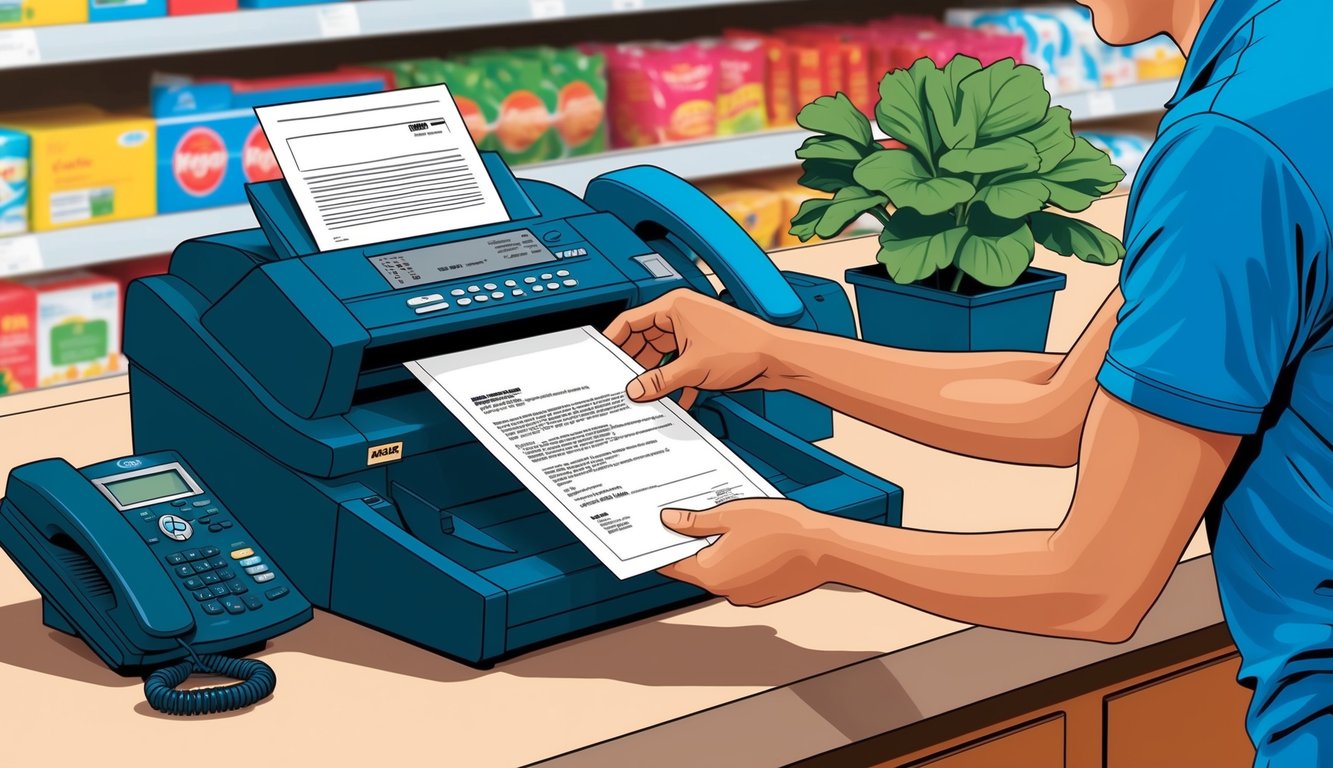
When a Kroger location isn’t nearby, several convenient options exist for sending and receiving faxes. These range from digital solutions to physical locations with fax machines.
Online Fax Services
Digital fax services let people send faxes right from their computer or phone. Most online services like our own Municorn Fax cost around $9.99 per week for unlimited faxing. Some providers also offer a free test fax or pay-per-fax options from around $0.10 per page.
The best online fax services work through email or mobile apps. Users can attach documents and send them to any fax number. They also get a personal fax number to receive incoming faxes.
Popular features include cloud storage, electronic signatures, and scheduling. Some services even send fax confirmations by text or email.
Third-Party Business Centers
Local shipping and office supply stores provide reliable fax services. The UPS Store charges around $2 for the first local page and $1.50 for each additional page, with long-distance faxes about $2 a page.
FedEx Office locations offer similar rates and don’t charge extra for cover pages. Their stores are open late and some operate 24/7.
Office supply chains like Staples typically charge $1-2 per page. Many have self-service fax machines that take credit cards or cash.
These centers work well for occasional faxing needs. Staff members can help with technical issues or complex documents.
Additional Services Offered by Kroger
Kroger stores provide diverse customer services beyond faxing. Their Money Services department handles check cashing, money orders, and bill payments for common expenses like utilities.
The pharmacy fills prescriptions and offers basic health screenings. Staff pharmacists can give flu shots and answer medication questions during store hours.
Document services include printing and copying. Customers can print photos, forms, or other papers starting at low per-page rates.
Key Money Services:
- Check cashing with valid ID
- Money orders for bills and payments
- Bill pay services for utilities
- Prepaid cards and reloading
Customer Service Features:
- Coin counting machines
- Western Union transfers
- Basic notary services at select stores
- Mobile phone products and cards
Most Kroger locations keep customer service desks open during regular store hours. Fees vary by service and location, with many options priced competitively against dedicated service providers.