
Table of Contents
Quick answer: The cheapest ways to fax are usually public libraries (often around $1 a page or less, sometimes free), office and shipping stores like Staples, Office Depot, UPS and FedEx (about $1.79 to $2.19 for the first page), and online fax services, some of which start near 10 cents a page. If you fax more than occasionally, an unlimited app like Municorn Fax ($9.99/week) usually costs less overall and works from your phone. Our guide to what faxing costs breaks the prices down by route.
Faxing keeps getting written off as obsolete, yet it still turns up on office checklists and last-minute errands — anywhere a stamped, official paper trail is required. Scanning and email are everywhere, but for legal forms, medical records and plenty of official paperwork, a genuine fax is often still the only accepted route.
Sending one needn’t be expensive, though. You don’t have to hunt down an old fax machine or pay a premium to send a page or two. Below we break down the cheapest options — in person and online — and what each typically costs, whether that’s a quick trip to a FedEx Office or sending straight from your phone with a service like Municorn Fax.
Best Cheap Places To Fax In-Person
Affordable in-person faxing is easier to find than it used to be. People still need to send physical documents — legal forms, medical records, job paperwork — and a handful of everyday locations offer the best mix of low prices, convenient hours and staff who can help. Here are the three most reliable.
Office Supply Stores: Familiar Faces, Competitive Prices
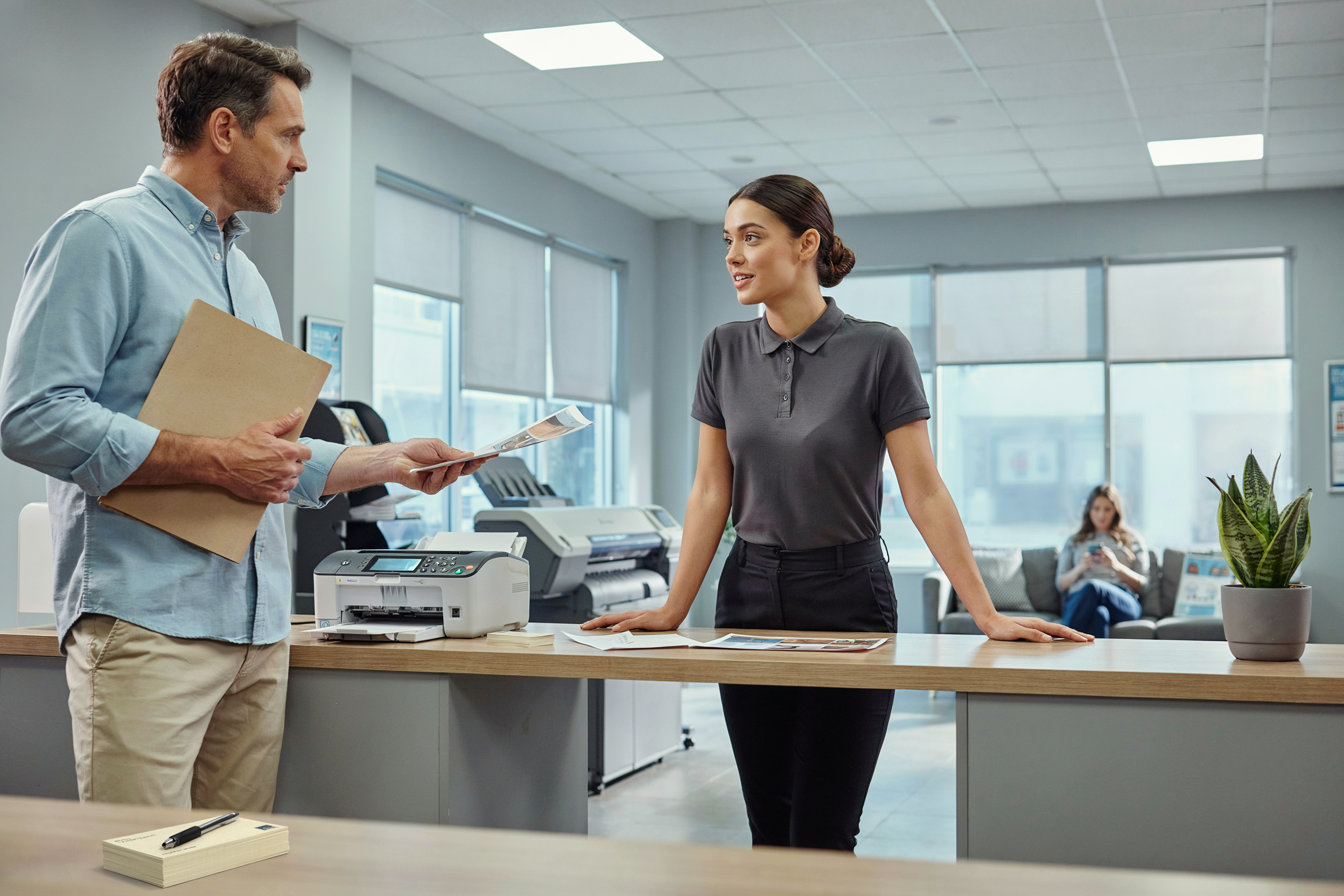
Big chains like Staples and Office Depot almost always have faxing at the front counter. Staff can send or receive a fax for you and provide a cover sheet if you’ve left yours at home. Prices depend on where the fax is going, but usually start around $1 to $2 per page for domestic faxing, with a little extra for each additional page.
Most stores print a confirmation page, which is handy as proof, and they tend to open early and close late, so a fax at six in the evening isn’t a problem. Many now have self-service machines that cut the line on a busy weekend, and some will scan documents straight to email too, so you’re not stuck faxing everything. Cost, convenience and knowledgeable staff make office supply stores a dependable choice.
Shipping & Mailing Centers: A One-Stop Shop for Document Chores
The UPS Store and FedEx Office don’t just ship boxes — they’re a dependable option for faxing too. Bring your document and you can send it anywhere in the country, or internationally for a little more per page, usually from $1 to $2 for the first page. Pricing is normally posted clearly and hours are long, which helps when you’re faxing close to closing time.
Because these stores bundle copying, scanning, shipping and faxing in one place, they’re ideal for working through a stack of paperwork in a single visit. Staff are used to handling time-sensitive documents and will hand over a cover sheet or explain the machine if you need it. Some mailing centers will even receive a fax on your behalf, so you can collect it at your convenience.
Public Libraries: Quiet, Helpful, and Surprisingly Affordable
Public libraries are an underrated pick for faxing. Many have a machine at the main information desk, they’re usually quieter than a print shop, and they’re often the cheapest option of all — many charge around $1 or less per page. Staff tend to be patient and happy to walk you through the machine, which helps if it’s been a while. You may need a library card, but guest passes are common — just ask.
Hours can be limited, especially at weekends, but the calm setting makes faxing feel less rushed than a busy store. Many branches also offer scan-to-email, so you can keep a digital copy at no extra cost. For students, job seekers or anyone wanting to fax without a fuss, the local library is a solid choice.
Affordable Online Fax Service Options
If a trip to the store isn’t worth it, online faxing is usually cheaper still — and you can do it from a laptop or phone with no hardware at all. Plans range from free tiers for the odd page to low-cost subscriptions that come with your own fax number, email integration and clear delivery confirmations.
Popular Online Fax Platforms
Online services like Municorn Fax, eFax and MyFax let you send and receive faxes from anywhere — a laptop in a coffee shop or a phone on the sofa. Municorn Fax stands out for affordable, unlimited plans and integration with tools like Google Drive and Dropbox: you can set up your own fax number and add a cover sheet in seconds, and every send comes with a confirmation email, so you’re never left wondering whether an important form arrived.
If you only fax occasionally, services like FaxZero give you a handful of free faxes a day, though they add a logo to the cover page. Larger teams tend to prefer scalable paid plans. It’s a balancing act — find what fits your wallet and your habits.
Benefits of Email to Fax Services
Using email to fax is about as simple as sending a normal message: attach your document, type the fax number followed by the provider’s address, and hit send. Fewer steps, no extra gear on your desk, and no paper jams. Anyone with an email account can fax from almost anywhere, and providers like Municorn Fax send a confirmation once the fax has gone through, so there’s no guesswork.
Security matters here too. Many services add encryption to keep personal information away from prying eyes, and the option to attach a cover sheet helps make sure sensitive details are handled with care. That flexibility suits freelancers, health offices and anyone who can’t afford mistakes.
Comparison of Free vs Paid Plans
Choosing between free and paid plans comes down to how much you fax, whether you mind a logo on the cover page, and how many pages you need. Free plans — such as FaxZero and GotFreeFax — work well for a one-off form or a rare send, but they usually add branding and cap how many faxes you can send each day.
Paid plans, like those from Municorn Fax, eFax or MyFax, add a custom fax number, higher page limits, delivery confirmation and no watermarks — which matters if you want to look professional. Anyone handling private information or who needs a proper record usually prefers a paid plan for the added features and storage.
Here’s a quick breakdown:
| Plan Type | Free Plan Features | Paid Plan Features |
|---|---|---|
| Sending | Limited pages, logo on cover | Higher limits, no branding on cover |
| Receiving | May not be included | Included, often with local numbers |
| Security | Basic | Enhanced, encryption, clear confirmation email |
| Support | Usually self-serve online | Priority, sometimes phone or live chat |
For most people, a free plan is a low-risk way to try online faxing. As your needs grow, moving up to a paid plan adds control and peace of mind — without breaking the bank.
Key Considerations When Choosing a Cheap Fax Solution
The cheapest option isn’t always the right one. Faxing isn’t going away — especially for attorneys, healthcare workers and anyone with ongoing needs — so it’s worth balancing safety, productivity and ease of use against price, rather than simply chasing the lowest number.
HIPAA Compliance and Security
If you work in healthcare or law, HIPAA compliance is non-negotiable, and not every cheap service can guarantee it. Look for encryption on both sending and stored faxes, along with secure cloud storage and user authentication. HIPAA-covered senders should also confirm the provider will sign a Business Associate Agreement (BAA), which is required for handling protected health information. A little due diligence up front saves an expensive headache later.
Document Handling and Productivity
For day-to-day faxing, the practical features make the difference. A good service handles common file types — PDF, DOC, even JPEG — and supports batch sending, so nobody has to babysit a machine all afternoon. Drag-and-drop uploads, scheduling and multi-user access all lighten the load for a busy office.
Mobile features matter too. Some services let you snap a photo of a document and fax it straight from a phone or tablet, which is a lifesaver when traveling or working from home. Integration with Google Drive or Dropbox is increasingly common, closing the gap between email and fax. The right tool should speed the job up, not slow it down.
Frequently Asked Questions
Faxing is still part of everyday life for schools, courts, healthcare and plenty of paperwork-heavy jobs — but costs, hours and availability vary, which is frustrating when you just want to send one quick page. Here are the questions we’re asked most.