Digital Storage
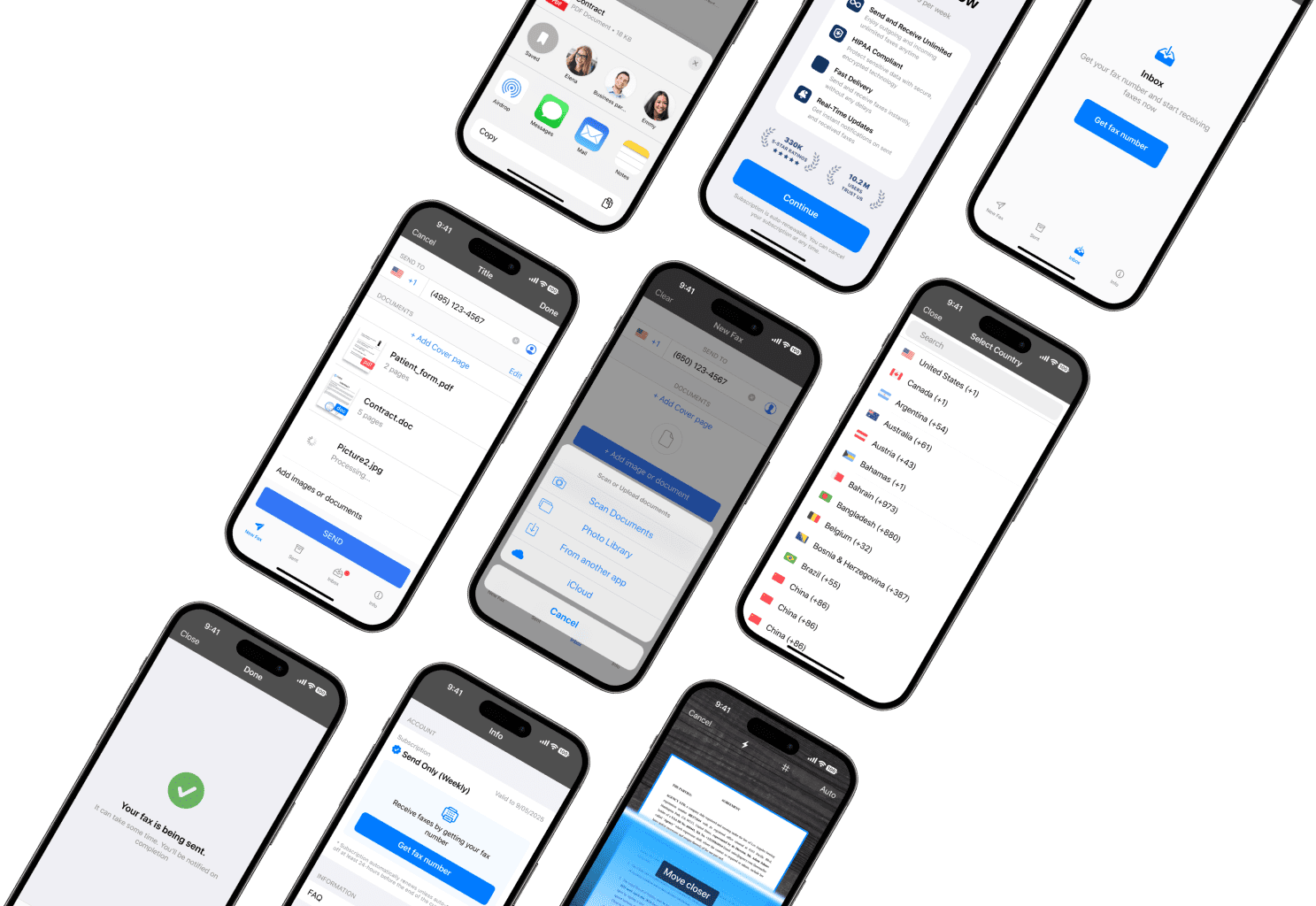
Faxes sent or received online can be stored securely and accessed later, which may be useful for record-keeping or repeat submissions.
Need to send a fax today and don’t own a machine? In most US towns you can send one at The UPS Store, FedEx Office, Staples or Office Depot — expect to pay roughly $1.50 to $3.00 per page. Public libraries are usually the cheapest, and some banks fax for account holders. (Your local post office generally won’t — USPS doesn’t offer fax at most branches.) Below you’ll find every option near you, whether each is likely open right now, and how the cost compares to sending the same fax from your phone.
Where can I send a fax near me? The most reliable places are The UPS Store ($2 first page, $1.50 each additional), FedEx Office (from $1.89, often open late), Staples and Office Depot. Your public library is usually cheapest (free to about $1 a page). Call ahead — not every branch has a working machine. If you’d rather skip the trip, you can send the same fax from your phone with Municorn Fax.
These options are available in most metropolitan areas and many smaller towns across the US. Services and pricing vary by location, so calling ahead is always worth the thirty seconds.
With over 5,500 locations, the UPS Store is often the closest and most dependable option, and staff send the fax for you. Expect $2 for the first local page and $1.50 for each additional page. They can receive faxes on your behalf too.
Full guide to UPS fax prices & services →
FedEx Office keeps longer hours than most — some branches run until 9pm or later, a few around the clock — and many have self-service kiosks. Faxing starts at about $1.89 first page, $1.59 each additional.
Compare FedEx faxing costs →
Staples Copy & Print counters fax during business hours, usually the cheapest of the big chains at around $1.79 for a first local page. Staff can hand you a cover sheet if you’ve forgotten one.
Guide to faxing at Staples →
Office Depot (now the same company as OfficeMax) faxes at the print counter, with some of the lowest per-page rates for straightforward domestic faxing — typically around $1.99 first page.
Office Depot faxing guide →
Your local library is often the most affordable place to fax — free to about $1 a page — but not every branch has a machine, and you’re limited to their hours. You may need a library card or exact change. Best for a page or two, not a thirty-page bundle.
Complete guide to faxing at the library →
Many Kroger-family stores fax from the Money Services desk for around $2 first page and $1 after — among the cheapest counters going. It’s being wound down at some stores, though, so ring ahead before you go.
Guide to faxing at Kroger →
Independent shipping and financial-services storefronts reliably offer staffed faxing. Postal Annex locations fax as a standard counter service, and in Florida Amscot branches do too, often at low rates.
Postal Annex guide · Amscot guide →
Many banks and credit unions will fax for existing customers, frequently free of charge — handy for loan or mortgage paperwork. It’s rarely advertised, so ask at the counter. Don’t expect to walk in off the street to fax a personal letter, though.
Guide to faxing at the bank →
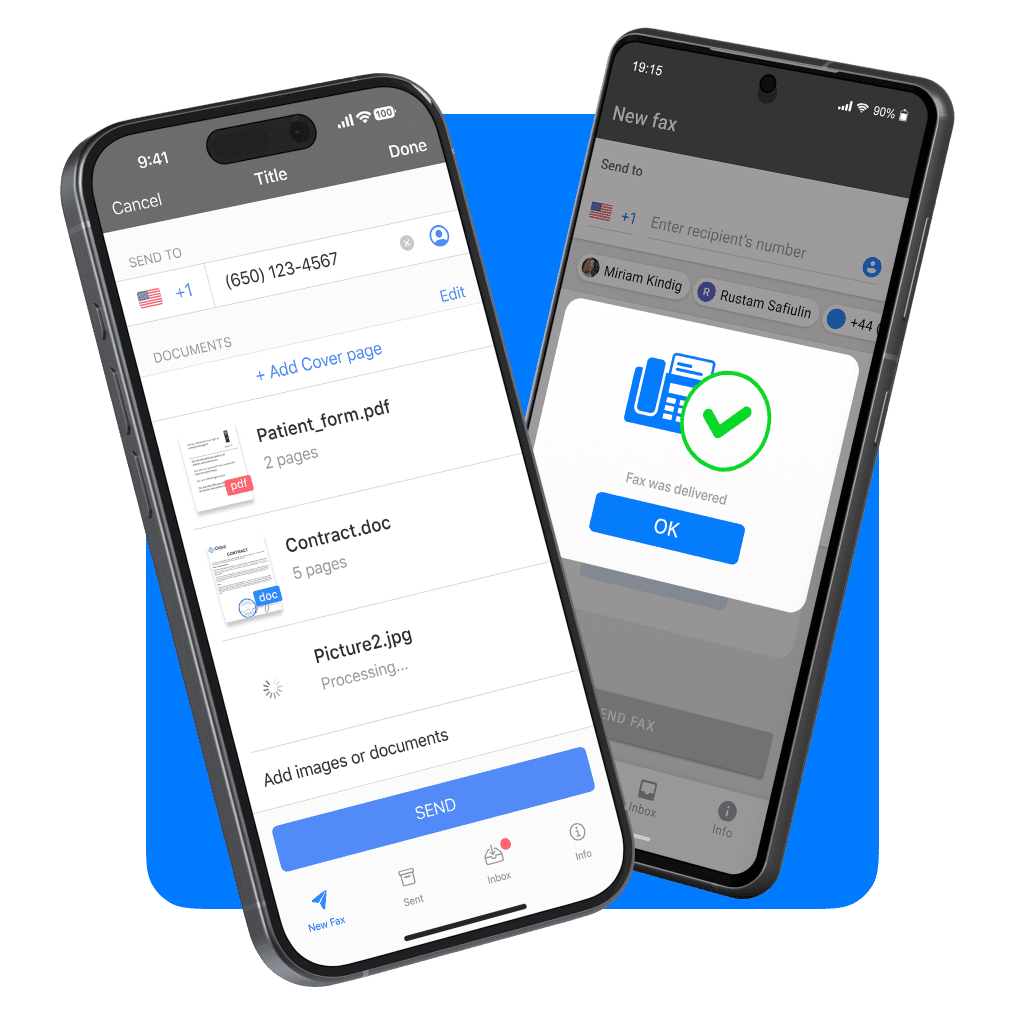
Most online faxing services charge per page, similar to physical fax machines, or offer subscriptions that include a limited number of pages. Some online fax services instead use flat-rate subscriptions, which can be more predictable for people who fax regularly.
So what does this mean in practice? Let’s take a simple example using the average prices in the comparison table above. In many retail locations, faxing costs about $1.50 per page. If you only need to send one or two pages, the total cost may be similar whether you fax in person or use an online service.
But if you need to fax documents to a healthcare provider, submit paperwork for taxes, or send forms to a bank or credit card company, you might easily send around 25 to 30 pages once cover sheets and supporting documents are included. At typical in-store rates, that can add up quickly. Using a flat-rate online fax subscription changes the math. Instead of paying per page, the cost remains the same regardless of whether you send a few pages or several dozen.
For example, based on the averages above:
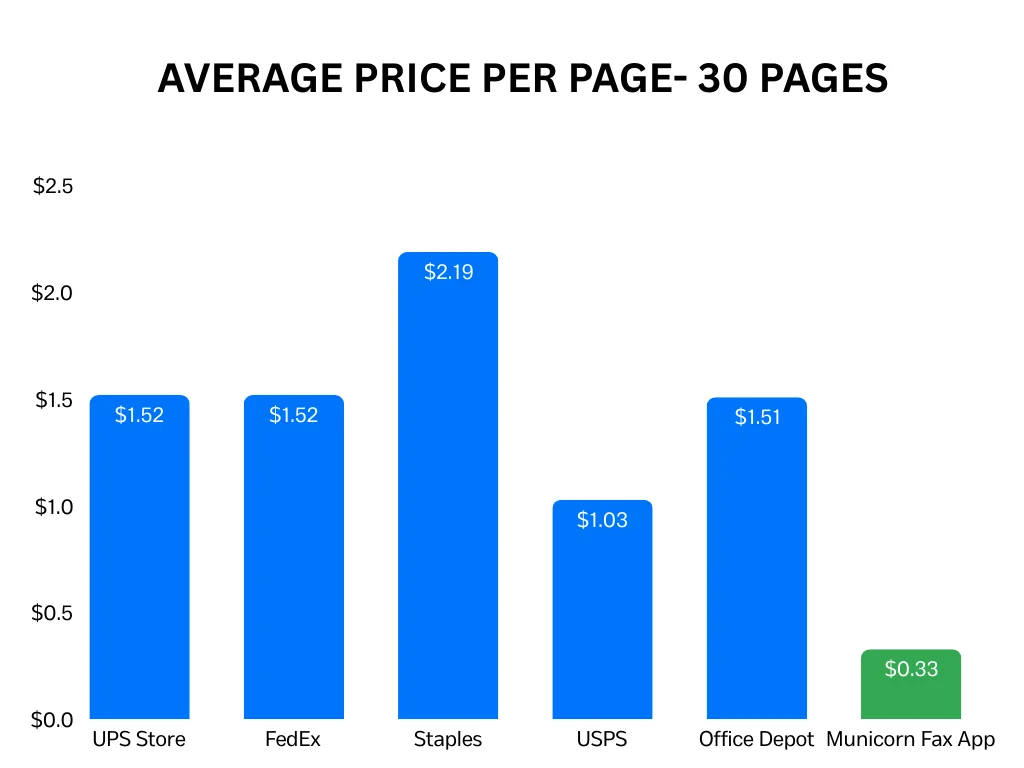
For smaller, one-off faxes, the price difference may be minimal. For higher-volume or repeat faxing, the savings become more noticeable. In both cases, online faxing also removes the need to travel to a store or work around business hours.
For occasional, single-page needs, a nearby retail store or library can be sufficient. However, online faxing can be more practical in situations where convenience, access, or document handling are important.
You can find fax services at various locations including local post offices, UPS and FedEx stores, office supply stores like Staples, Office Depot, and OfficeMax, printing shops, libraries, colleges, schools, government buildings, banks, hotels, and airports.
For the closest location that’s currently open, check Yelp or Google Maps to see nearby locations that are currently open, then call ahead to confirm hours and pricing.
Online faxing can be more cost-effective than using physical fax machines at retail locations such as The UPS Store or FedEx Office, particularly for multi-page documents. These locations often charge per page—commonly between $1.50 and $3.00—with higher rates for long-distance or international faxes.
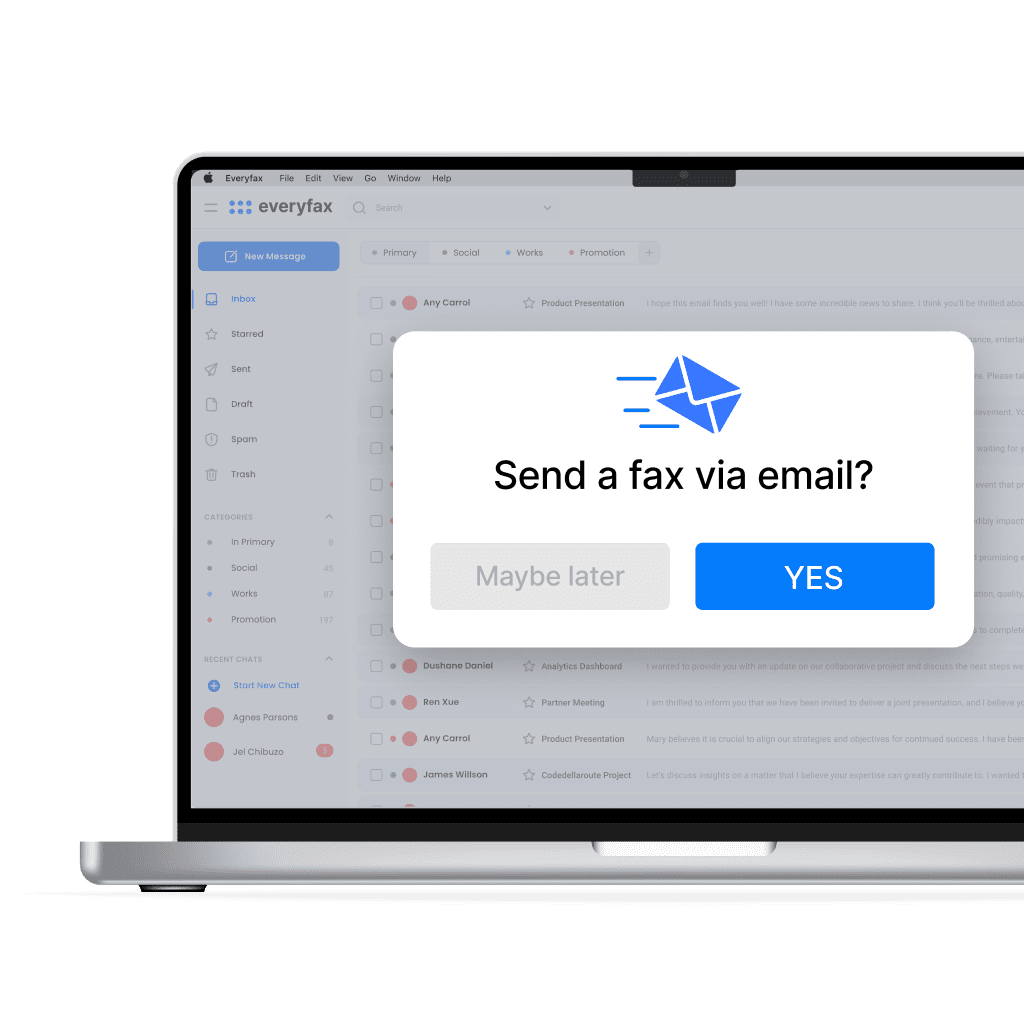
You can avoid per-page pricing and travel costs by using a digital fax service. Depending on usage and subscription terms, this approach may yield substantial savings for larger documents compared to in-store faxing.
Fax machines near you – like at a store, for example, are publicly available machines which, despite being secure, may be accessed and/or tampered with by members of the public. Most subscription-based online faxing services use end-to-end encryption and some offer HIPAA compliance. If security is a top priority, consider emailing the provider to confirm their certification and encryption standards.
Stores like UPS and FedEx will have helpful employees on hand to assist you. If you fax from a local library or post office, there is no support guaranteed, as the employees may be busy with other matters. If you are using the Fax App, you can have a live conversation with the support team in the app, to help with any issues you are having.
If you want to use a fax machine, you will have to check for stores in your area that offer faxing, and travel to those stores. If you faxing online, you can fax from anywhere – your own home included!
Yes, many fax service locations like UPS, FedEx, Staples, and Office Depot/OfficeMax offer fax receiving services. You will need to provide the sender with the fax number of the location where you want to receive the fax. Typically, you’ll be charged a fee for each page received. Always check with the specific location for their procedures and pricing.
The time it takes to send or receive a fax depends on the number of pages and the quality of the connection. Generally, it takes about 1 minute per page to send or receive a fax. However, larger documents or international faxes may take longer. It’s always a good idea to allow extra time, especially if you are sending a fax during peak hours.
If you use a fax machine, you will likely need to bring physical documents with you – so you should print them off first! This is because fax machines use a scanner to scan paper documents. If you use an online faxing service, there is no need to print anything – you can use a wide variety of file formats to upload straight into the app, and send your faxes without any paper.