Table of Contents
- Fill in online (no download)
- Fill In a Blank Fax Cover Sheet Online (No Download)
- Free Blank Fax Cover Sheet Templates to Download
- What Is a Blank Fax Cover Sheet?
- How to Fill In a Blank Fax Cover Sheet
- What to Put on a Blank Fax Cover Sheet
- Printable, Fillable, or Online — Which Should You Use?
- Do You Need to Download Anything?
- Faxing Without a Machine
- Frequently Asked Questions
Quick answer: There are two free ways to get a blank fax cover sheet, and neither needs a fax machine. Fill one in online with the generator below — type your details straight in, then print it or save it as a PDF, with nothing to download. Or download a printable blank template in PDF or Word and complete it by hand or on your computer. Every option here is free, with no signup and no email.
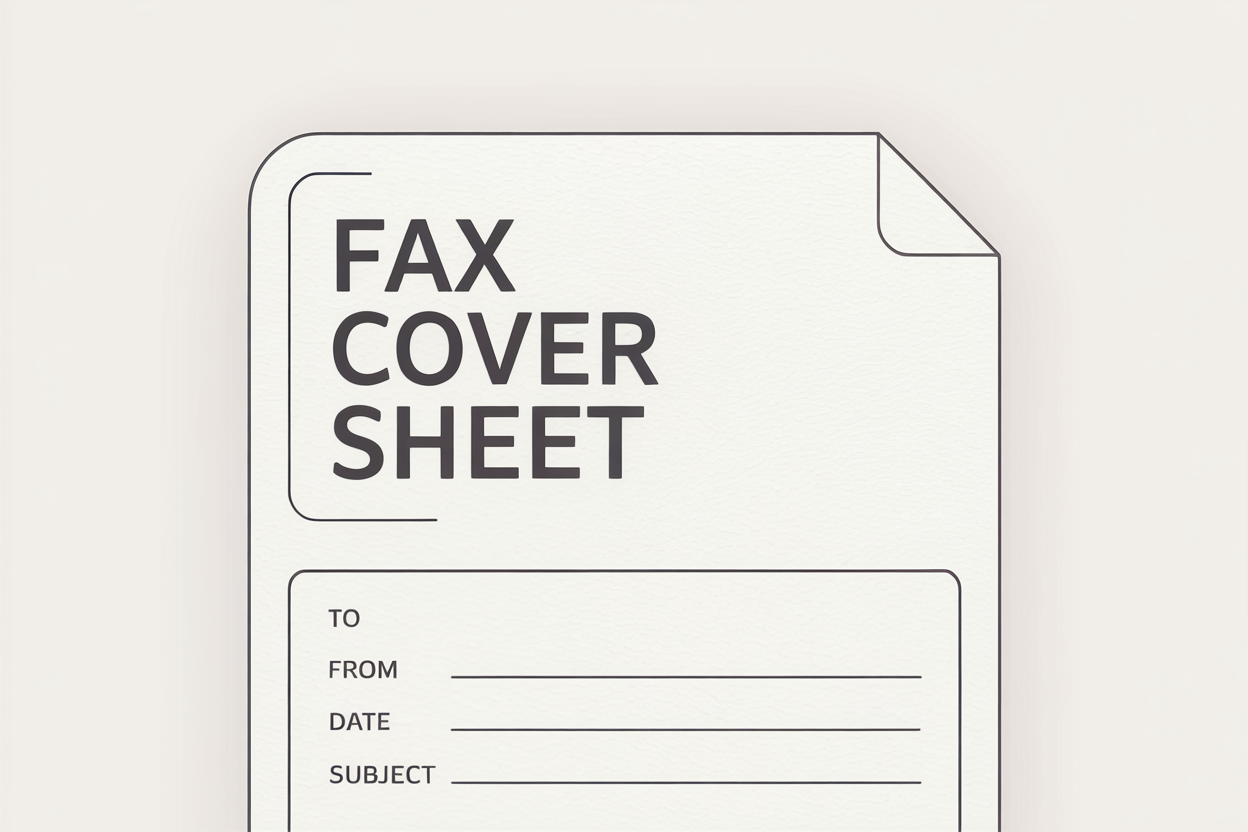
A blank fax cover sheet is simply an empty template with labelled fields — sender and recipient details, date, page count, a subject line and a short message area — ready for you to complete. It goes on top of your fax as page one, so whoever picks it up at the other end knows who it’s from, who it’s for, and how many pages to expect. That matters most on shared office machines, and for anything sensitive in healthcare, law or finance.
Fill in online (no download)
Use the generator, type your details into the page, then print or save as a PDF. Fastest option, and there’s nothing to download or install.
Download a template
Grab a printable blank cover sheet as a PDF, or an editable Word file you can add a logo to. Best when you want to reuse or customise it.
Fill In a Blank Fax Cover Sheet Online (No Download)
Prefer not to download anything at all? Fill in the blank cover sheet below, then print it or save it as a PDF straight away. It’s the quickest way to get a completed cover sheet — no template file, no Word, no signup.
Free Blank Fax Cover Sheet Templates to Download
Would rather work from a file? Here are our most popular blank and generic fax cover sheets, each as a printable PDF and an editable Word (DOCX) document. The PDF is ready to print and fill in by hand (several are fillable, so you can type into them too); the Word version lets you add a logo or change the wording. Need a specific type instead — HIPAA, legal, urgent, government? See our full set of fax cover sheet templates.
Blank and generic fax cover sheets — printable PDF and editable Word, no signup required.
| Template | Best for | Formats | Download |
|---|---|---|---|
| Blank / Standard Fax Cover Sheet Recommended | General use — fill in yourself | PDF / DOCX | PDF · DOCX |
| Minimalist Fax Cover Sheet | Clean, simple layout | PDF / DOCX | PDF · DOCX |
| Multi-Purpose Fax Cover Sheet | All-purpose use | PDF / DOCX | PDF · DOCX |
| General Business Fax Cover Sheet | Everyday business faxes | PDF / DOCX | PDF · DOCX |
| Standard Business Fax Cover Sheet | Professional business communication | PDF / DOCX | PDF · DOCX |
| Personal Fax Cover Sheet | Personal faxes | PDF / DOCX | PDF · DOCX |
What Is a Blank Fax Cover Sheet?
A blank fax cover sheet is a ready-made template with empty, labelled fields that you fill in yourself — by hand after printing, by typing into a fillable PDF, or by editing a Word file. Unlike a pre-filled or heavily branded cover sheet, a blank one gives you a clean, generic starting point you can use for almost any fax: business, personal, legal, medical or otherwise. You add the sender and recipient details, the date, the page count and a subject line, and it's ready to go on top of your document.
How to Fill In a Blank Fax Cover Sheet
Online, nothing to download
Use the generator above: type in the names, both fax numbers, the date, page count and subject, then print or save as a PDF. Done in about 30 seconds.
Print and fill by hand
Download the PDF, print it, and write into the fields. Best when you want a paper backup or you're at a physical fax machine.
Fill in digitally
Open the fillable PDF in your browser or Adobe Acrobat and type into the fields, or edit the DOCX in Microsoft Word or Google Docs to add a logo and tweak the wording — then save it as a PDF when you're finished.
What to Put on a Blank Fax Cover Sheet
Whichever template you use, a good blank cover sheet has room for all of these:
- Sender details — your name, company and contact info.
- Recipient details — who the fax is for, and their company.
- Both fax numbers — the number you're sending to and your own.
- Date — when the fax was sent.
- Number of pages — including the cover sheet itself.
- Subject or reference — a short note on what's being sent.
- Confidentiality notice — optional for everyday faxes, but strongly recommended for anything sensitive, and best practice for medical documents.
Printable, Fillable, or Online — Which Should You Use?
- Printable PDF — print it and write in the fields by hand. Ideal for a paper backup or a traditional fax machine.
- Fillable PDF — type straight into the fields on screen, no printing needed, then print or save.
- Word (DOCX) — the one to pick if you want to customise: add branding, change colours, keep an editable copy to reuse.
- Online generator — the fastest option, and the one to use if you'd rather not download anything at all.
Do You Need to Download Anything?
No. If you'd rather not download a template at all, use the generator above — you fill everything in on the page and then either print it or save the finished cover sheet as a PDF. Nothing gets installed, and you don't need Word or any other software. Downloading a blank template only really makes sense when you want to reuse it, add branding, or keep an editable copy on file.
No download, no problem: the generator above produces a finished, ready-to-send cover sheet you can print or save as a PDF on the spot — the simplest route if you just need one right now.
Faxing Without a Machine
Once your blank cover sheet is filled in, you don't need a fax machine to send it. With Fax App you can attach the cover sheet as page one, add your document from your phone or the cloud, and send it straight from your iPhone or Android — with everything encrypted end to end. If you're sending medical records, use one of our HIPAA-compliant fax cover sheets instead of a plain blank one, since those carry the confidentiality notice HIPAA expects.