
Table of Contents
Quick answer: A test fax is a throwaway fax you send before the real one, to confirm the line works and the recipient’s number is right. The quickest way is a fax app — with Municorn Fax you can send a free test from a free account before you subscribe, and get a delivery confirmation back. To check a physical fax machine instead, send to a dedicated test service, or simply call the number and listen for the fax tone.
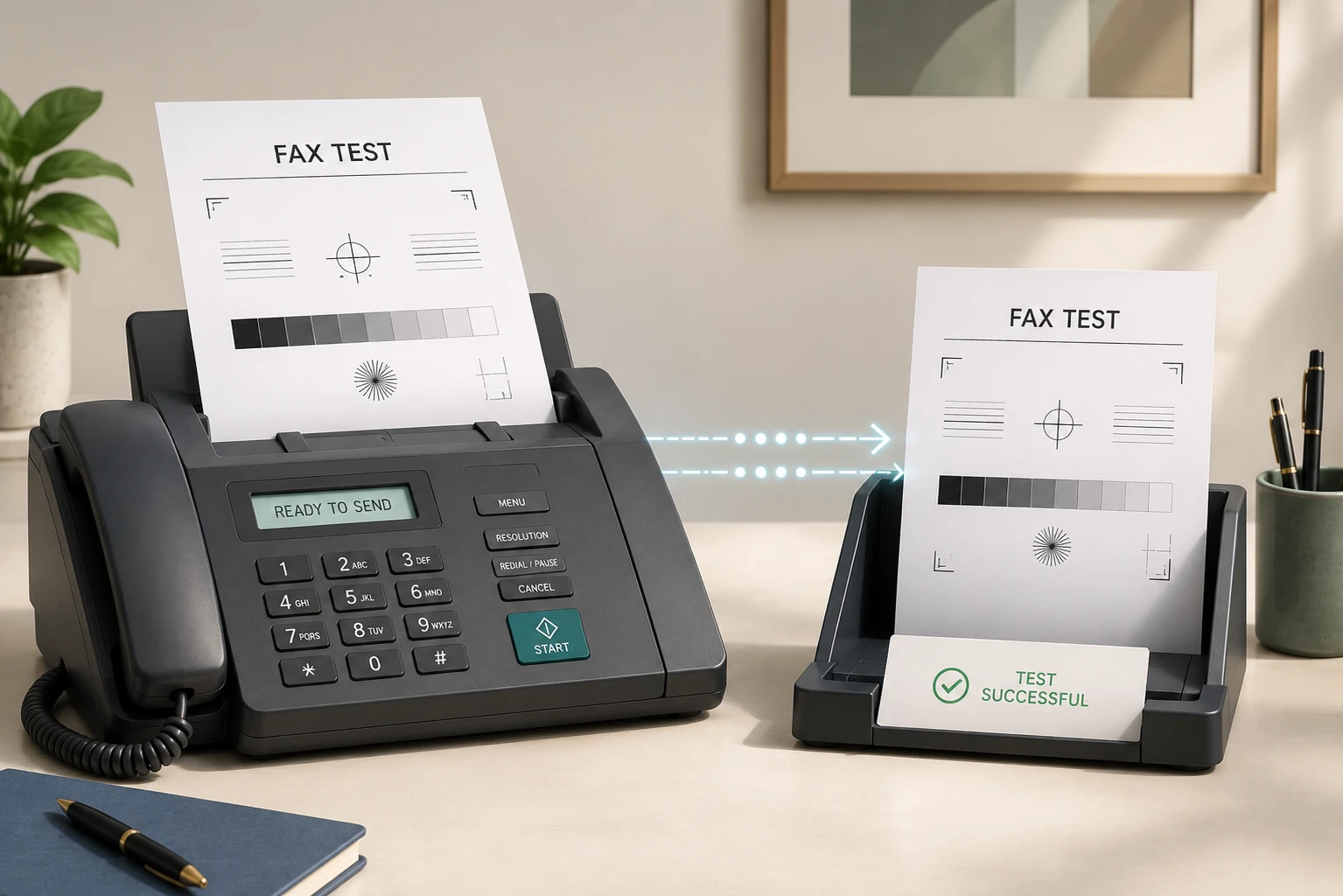
If you need to send a fax, many services let you send a test fax first, just so you can make sure everything is working. A test fax verifies your connection and the recipient’s number, giving you confidence that the real one will reach the right destination. Don’t leave it to chance.
What Is a Test Fax, and Why Are They So Useful?
Let’s be honest — nobody is using faxes to chat to their friends. When we send faxes, it’s usually for business, or because we’re sending important documents to important places: healthcare, insurance, financial or legal matters, industries that all lean on faxing as a secure way to transmit. Changing healthcare provider or filing your taxes isn’t exactly fun, and the thought of your fax ending up in the wrong place makes it more stressful still.
If you’re anything like me, you’ll want to know things are working before you fire off sensitive information to who-knows-where. It’s also good to confirm you’ve got the recipient’s number right — that way the right person gets it, and nobody can deny you sent it.
This is where a fax test comes in handy. It’s a free fax you send to any number before the real one. It carries the sender’s details and tells the recipient it’s a test, so they can reply to confirm — and even if they don’t, a test fax always returns a confirmation page to the sender, so if it fails you’ll know straight away.
Sending a test fax is also a nice way for first-timers to learn how sending and receiving works, and to dispel any nerves if they’ve never sent one before.
Any good online fax service should offer a test to its customers. It also lets you try before you buy — you get to see the quality and speed of the transmission and decide whether that service is for you.
How Can You Send a Free Test Fax?
Every reputable fax service should offer a blank-page test fax once you set up your account. Let’s take the most popular fax app on the Android and Apple stores as an example — Municorn Fax (18M+ downloads). Here’s how to test it:
-
Download the app
Download Municorn Fax on your phone or computer. It’s free to download.
-
Send a demo fax from your free account
Before you subscribe, use your free account to send a demo fax to a test number of your choice. Enter the number and hit send.
-
Wait for confirmation
Give it a moment. You’ll get a notification once the test fax has delivered or failed to send.
That’s it — once your test is done, you’ll be ready to send those important documents with confidence.
Which Online Services Offer a Free Fax Test?
Every major service offers some kind of free test. The difference is whether you need a card to start and whether you get a ready-made test page — Municorn Fax is the only one with both.
| Service | Free test | No card required? | Blank test page? |
|---|---|---|---|
| Municorn FaxRecommended | Yes, before you subscribe | Yes | Yes, blank page |
| Fax.Plus | Yes, new users | Yes | No, make your own |
| eFax | In the free trial | No, card required | Yes, templates |
| iFax | In the free trial | No, sign-up required | Not stated |
| Dropbox Fax | 5-page free trial | Yes | Not stated |
| Documo | 14-day free trial | Company account only | Not stated |
A couple worth calling out: Fax.Plus lets you test for free but gives you no test page, so you’d have to make your own document — be careful not to put anything sensitive on it. eFax and iFax route the test through a paid trial, so you hand over card details and auto-subscribe unless you remember to cancel. Dropbox Fax asks for no card, and Documo’s 14-day trial is generous but aimed at companies (you need a company name and email to start).
How to Send a Test Fax With a Fax Machine
If you’re old-school and have a fax machine to test, here are a couple of ways to do it.
HP Fax Test Service
HP’s test service is the gold standard for fax-machine testing: it gives you an end-to-end confirmation that your machine can both send and receive. You don’t even need an HP machine to use it, and it’s free.
To start, create any document to fax — a blank page is fine. The important thing is that your own full fax number is in the fax header, or the service can’t reply. Many machines add this automatically, but check under system preferences > fax header options to be sure.
Then send the test to 1-888-HPFaxme (1-888-473-2963 in the US). If you have caller-ID blocking on, the test won’t work, so dial *82 first to suspend it for the call. Wait up to ten minutes and HP will answer, sending a fax back to confirm the test. Now you know your line works both ways.
Faxbeep
Faxbeep is an online service that verifies your fax machine can send (and it works for online faxing too). Go to their website, choose the test number for your country, and send a fax to it — within minutes it should appear on the site’s home page.
Be careful here: every incoming fax is publicly visible on the Faxbeep website, so don’t include any personal or sensitive information.
Are There Other Ways to Test a Fax Number?
There’s one more: call it. From a mobile or landline, dial the full fax number. If it’s active, you’ll hear the classic fax-tone noise — the line expecting another fax machine. A busy or dead signal instead tells you the number isn’t working.
This only works for a fax machine hooked up to a phone line, though. Online fax numbers can’t be verified this way.
What If a Test Fax Fails?
A failed test can happen for a few reasons. Our guide to why a fax won’t go through covers each one in more detail. Here’s what to check:
- Double-check the test number — you may have dialed it wrong. If not, contact the owner of that number and ask whether they’re having service problems.
- Check your service status — your phone line may be down, or your online service might be having issues.
- Try again — if the number and your service are both fine, it’s worth one more attempt.
- Contact support — Municorn Fax has live in-app support, so you can talk to someone on the team straight away. Most other services offer a support email and reply within a few business days.
Bottom Line
A test fax takes a minute, and it’s the difference between hoping your paperwork arrived and knowing it did. Before you send anything that matters, run one. You can download Municorn Fax and use the free test service to do exactly that.