
Quick answer: Yes. Yahoo Mail has no built-in fax feature, but with an email-to-fax service like EveryFax your inbox works as one. Sign up, then compose a normal email in Yahoo Mail: put the recipient’s fax number plus your gateway domain in the To field (for example, [email protected]), attach your document, and send. There’s nothing Yahoo-specific to learn — it works exactly like faxing from any other inbox.
If you use Yahoo Mail day to day, you can fax straight from it — no machine, no phone line, no separate account to keep track of. And honestly, there’s less to this than most guides make out: once you have an email-to-fax service, Yahoo behaves like any other inbox, so we’ll keep it short.
Can you send a fax from Yahoo Mail?
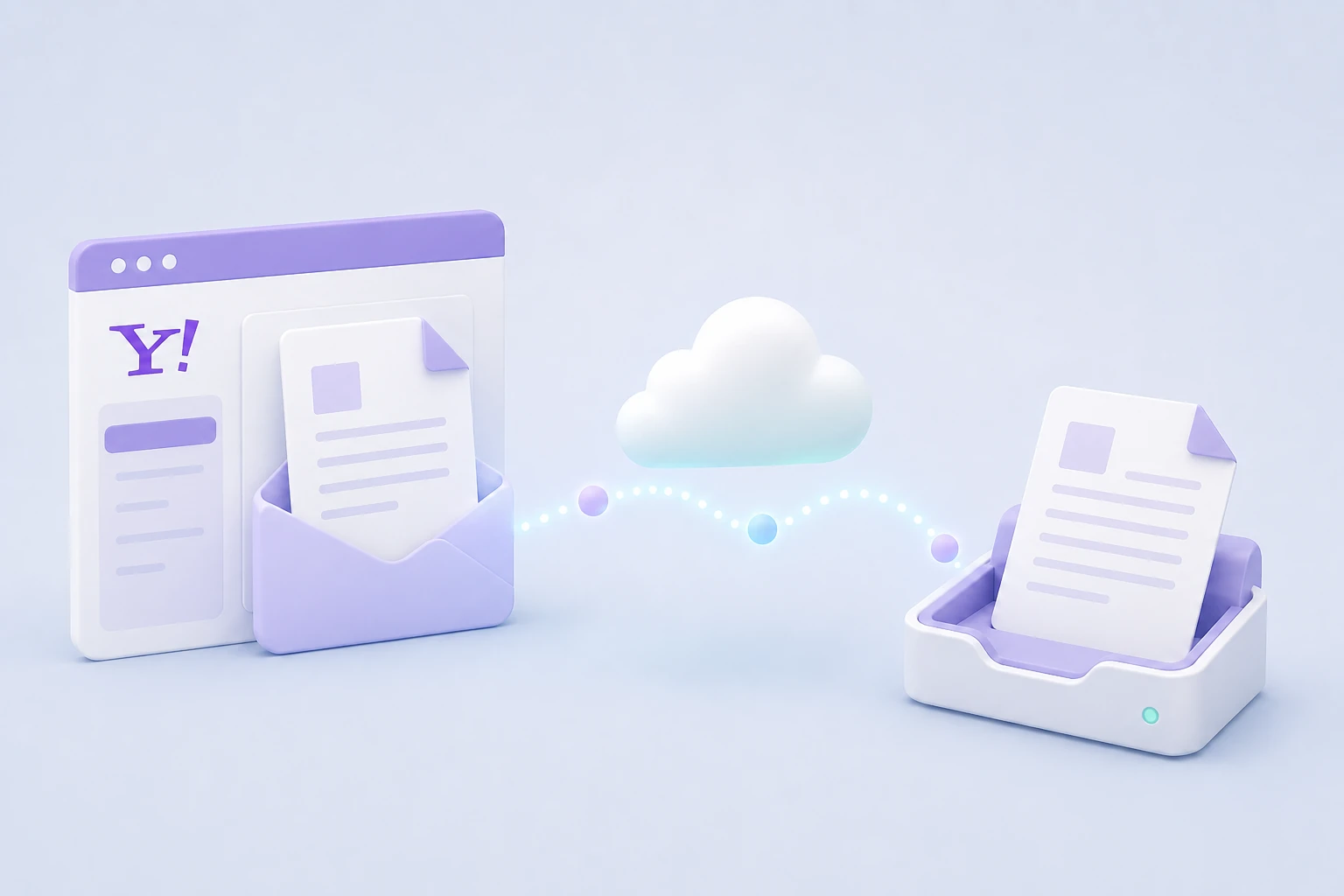
Yes, with one caveat: Yahoo Mail can’t fax on its own. Like Gmail and Outlook, it has never had a built-in fax feature. What makes it work is an email-to-fax service, which gives you your own fax number and a gateway address and does the converting and dialling in the background. To the person on the other end, an ordinary fax arrives and prints as normal — they’ve no idea it started as a Yahoo email. And because a good service encrypts the fax and can be HIPAA compliant, it’s safer than emailing a sensitive document outright — more on that in fax vs. email.
How to fax from Yahoo, step by step
- Sign up with EveryFax, choose a fax number, and add your Yahoo address to the allowed-senders list.
- In Yahoo Mail, click Compose.
- In the To field, enter the recipient’s fax number followed by @send.everyfax.com — for example [email protected]. Digits only, with the country code, no spaces or brackets.
- Attach your document (PDF is best); anything you type in the subject and body becomes the cover page.
- Send, and watch for the delivery confirmation in your Yahoo inbox a minute or two later.
It works the same in the Yahoo Mail website and the Yahoo Mail app, since all you’re doing is sending an email.
Receiving faxes in Yahoo Mail
It’s a two-way street. Because your EveryFax number is a real fax number, anyone can send to it, and incoming faxes arrive in your Yahoo inbox as PDF attachments instead of on paper. Setting up inbound is separate from sending — our guide to receiving a fax by email walks through it.
Frequently Asked Questions
Does Yahoo Mail have a fax feature?
Can I fax from Yahoo for free?
What files can I fax from Yahoo?
Can I receive faxes in Yahoo Mail too?
Get Started
Open Yahoo Mail, compose a message to the fax number plus @send.everyfax.com, attach your document, and send — that’s all there is to it. If you’re often on your phone, the Municorn Fax app lets you scan a paper document with the camera and send it without a computer.
More Email-to-Fax Guides
Send a fax from email
The full step-by-step walkthrough with the EveryFax address format.
Fax from Gmail
The Gmail version, with screenshots for each step.
Fax from Outlook
Whether you need an add-in (you don’t), and how to send.
Receive a fax by email
Route inbound faxes straight to your inbox as PDFs.