
Table of Contents
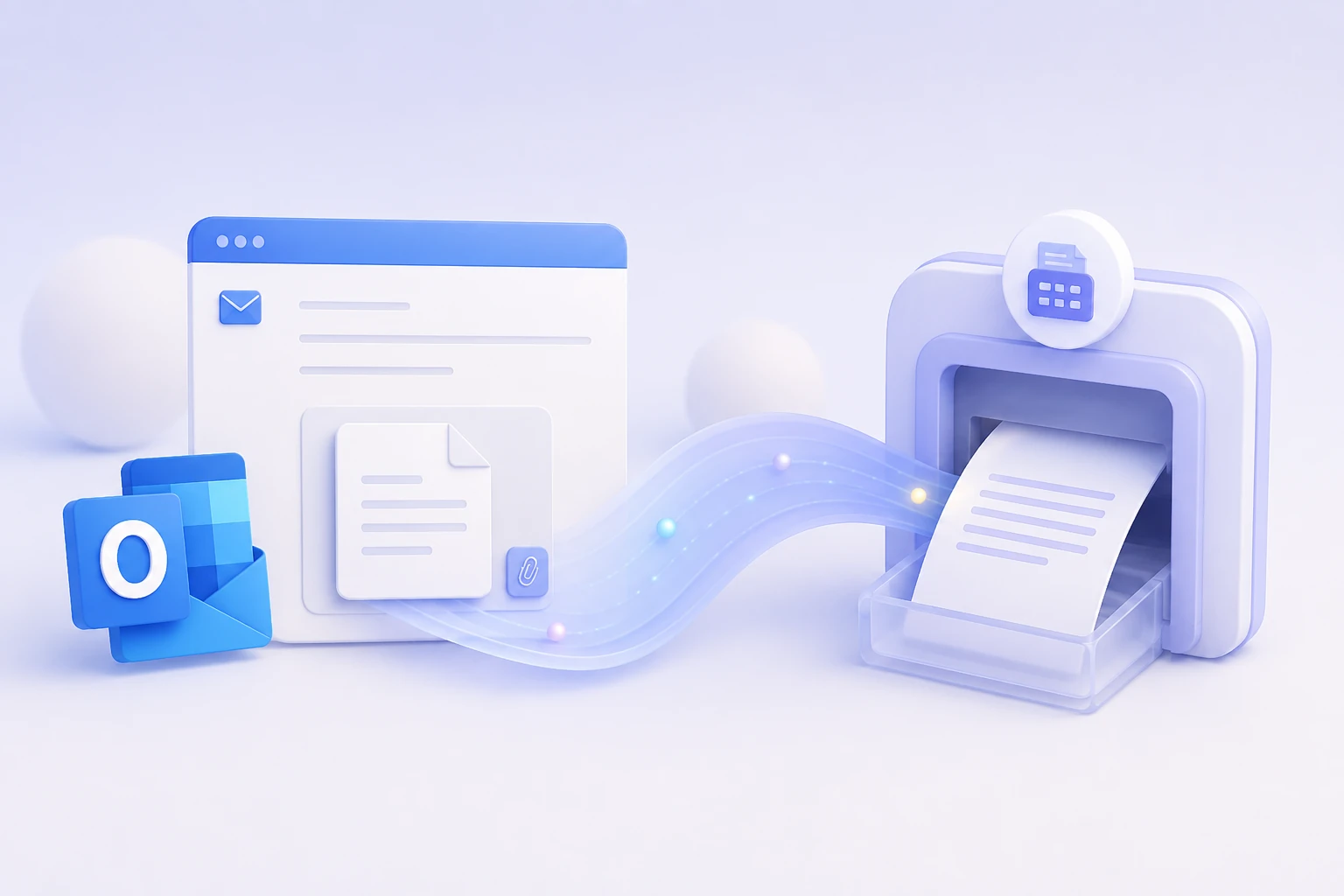
Quick answer: Yes — and you don’t need a fax add-in or any software. Outlook has no built-in fax button (nor does Microsoft 365), so you sign up with an email-to-fax service like EveryFax, then compose a normal Outlook email: put the recipient’s fax number plus your gateway domain in the To field (for example, 12133922443@send.everyfax.com), attach your document, and send. It works from any Outlook account — outlook.com, hotmail.com, live.com, or a work address.
Outlook is where a lot of work gets done, so it’s no surprise people want to fax straight from it — a signed contract, an insurance form, a document for a client who still runs a fax line. You can, from the same inbox you already use, without printing anything or hunting down a machine. Here’s how it works, whether you need one of those Outlook fax add-ins you may have seen (you don’t), and how to keep work documents secure on the way.
Does Outlook have a built-in fax feature?
No. Neither classic Outlook, the new Outlook, Outlook on the web, nor a Microsoft 365 subscription can send a fax on its own — there’s no hidden fax button, and there never has been. What does the work is a separate email-to-fax service that connects your inbox to the fax network; once you’ve signed up, “faxing” is just sending an ordinary email.
You may also have come across Windows Fax and Scan, or an old Outlook fax server. Those are a different thing entirely — they need a physical fax modem plugged into a phone line, which is exactly the hardware email-to-fax lets you skip.
How to send a fax from Outlook, step by step
Once you have an account, the whole thing takes about a minute:
- Sign up with EveryFax, pick your own fax number, and add your Outlook address to the allowed-senders list so only you can fax from your account.
- In Outlook, click New Mail to start a message, exactly as you would to email a colleague.
- In the To field, type the recipient’s fax number followed by @send.everyfax.com — for example 12133922443@send.everyfax.com. Use digits only, with the country code, and no spaces, brackets, or dashes.
- Attach your document (PDF is safest) and, if you’d like a cover page, type it into the subject line and body.
- Send. A minute or two later a delivery confirmation, with a timestamp and page count, arrives back in your Outlook inbox.
It works the same everywhere Outlook does — the classic desktop app, the new Outlook, Outlook on the web, and the mobile app — because you’re only ever sending an email. And it doesn’t matter which Outlook domain you use: outlook.com, hotmail.com, live.com, and msn.com addresses all work, as does a Microsoft 365 work address, as long as you’ve authorized it on your account.
Do you need an Outlook fax add-in?
No. Search for faxing in Outlook and you’ll find add-ins in Microsoft AppSource that bolt a fax panel into the Outlook interface. They’re a nice convenience for large teams that fax constantly, but they’re entirely optional — the email-address method above needs nothing installed and works on every version of Outlook, including ones where your organization restricts add-ins. If you fax now and then, skip the add-in and just send the email.
Getting faxes back in your Outlook inbox
The bridge runs both ways. Your EveryFax number is a real fax number, so anyone can send to it — and when they do, the fax lands in your Outlook inbox as a PDF attachment rather than on paper. Sending from Outlook is email-to-fax; having faxes delivered to Outlook is fax-to-email, set up separately. Our guide to receiving a fax by email covers the inbound side.
Is it safe to fax work documents this way?
For most people the reason to fax from Outlook at all is that the document is sensitive — and that’s exactly where email-to-fax earns its place. Outlook already encrypts your message in transit with TLS, and a serious fax service encrypts the fax leg as well and will sign a Business Associate Agreement (BAA) if you handle health data. EveryFax is HIPAA compliant, which is why we’d point healthcare, legal, and financial teams to it rather than to a free gateway that can’t offer either. If security is the whole reason you’re reaching for fax, it’s worth reading how fax compares to plain email and what makes online fax HIPAA compliant.
Frequently Asked Questions
Does Microsoft 365 include a fax service?
Can I fax from a Hotmail, Live, or MSN address?
Do I need to install an Outlook fax add-in?
Is there a free way to fax from Outlook?
Can I receive faxes in Outlook too?
Get Started
Open Outlook, compose a message to the fax number plus @send.everyfax.com, attach your document, and send — that’s the whole job, no machine, add-in, or phone line required. If you’re often away from your desk, it’s worth pairing it with the Municorn Fax app so you can scan a paper document with your phone and send it on the spot.
More Email-to-Fax Guides
Send a fax from email
The full step-by-step walkthrough with the EveryFax address format.
Fax from Gmail
The Gmail version, with screenshots for each step.
Fax from Yahoo
The same method in Yahoo Mail, kept short.
Receive a fax by email
Route inbound faxes straight to your inbox as PDFs.