Read Our Latest Blogs
how-to
Social Security Fax Number: Where to Send Your Documents
Quick answer: There is no single national Social Security fax number. Which number is correct depends on which office is holding your case, and SSA does not publish one central list. Two routes are reliable: the fax number printed on the letter SSA sent you , and your local office, found through SSA
24 Hour Fax Service: What's Open, and When
Quick answer: True round-the-clock walk-in faxing is rare, but it is not a myth. Some FedEx Office locations are open 24 hours , mostly near airports and in dense downtowns, and they have self-service fax machines. Almost everything else — The UPS Store, Staples, Office Depot, libraries &mdash
how-to
How to Send a Fax
Quick answer: You don't need a fax machine or a phone line. The quickest route is a fax app on the phone you already own: scan the document with the camera or pick a PDF, type in the recipient's fax number, and send. A delivery confirmation comes back in a few minutes. Municorn Fax does this for $9.
tools
Fill In a PDF Form
Fill in a fillable PDF form and flatten it, so your answers are part of the page and do not arrive blank — in your browser, with nothing uploaded. This tool reads and fills your form inside your own browser, so it needs JavaScript switched on. Nothing is uploaded — not stored, not delete
tools
Edit a PDF in Your Browser
Add a note, a date, a circle or an initial to a PDF before you fax it — in your browser, drawn on top so the document underneath is untouched. This tool edits your PDF inside your own browser, so it needs JavaScript switched on. Nothing is uploaded — not stored, not deleted later The ori
tools
Turn Photos Into a PDF to Fax
Turn phone photos into one PDF you can fax — in your browser, with JPEGs passed through untouched. This tool builds your PDF inside your own browser, so it needs JavaScript switched on. Nothing is uploaded — not stored, not deleted later JPEGs pass through untouched, not recompressed Fre
tools
Merge PDFs to Fax as One Document
Combine PDFs and photos into one document to fax — in your browser, with text and signatures left intact. This tool combines your files inside your own browser, so it needs JavaScript switched on. Nothing is uploaded — not stored, not deleted later No page limit , no sign-up, no watermark Noth
tools
Sign a PDF to Fax
Draw or type a signature, place it on the page, download — in your browser, with nothing uploaded. This tool signs your PDF inside your own browser, so it needs JavaScript switched on. Nothing is uploaded — not stored, not deleted later No account , no email verification, no audit emails
tools
Reorder, Rotate and Delete PDF Pages
Fix page order, rotation and stray pages before you fax — in your browser, with the pages themselves left untouched. This tool rearranges your PDF inside your own browser, so it needs JavaScript switched on. Nothing is uploaded — not stored, not deleted later Nothing is re-rendered &mdas
tools
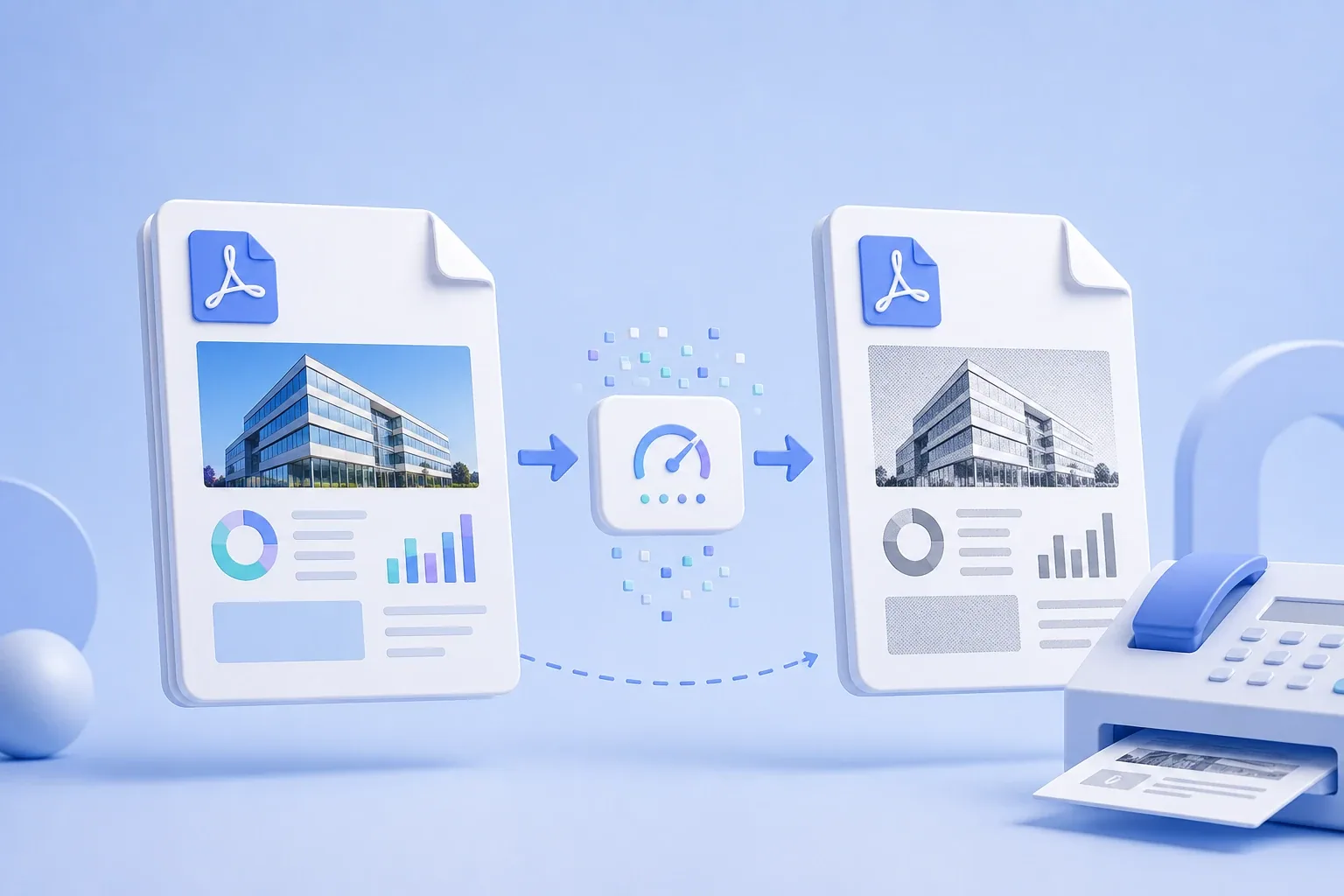
Optimize PDF for Fax
A fax is pure black and white at 204 × 196 dpi. Your PDF almost certainly isn't — and the machine at the other end will resolve that difference for you, badly. Convert it here first and you decide how, not the receiving machine. Runs entirely in your browser; the file is never uploaded.
how-to
How To Send Faxes From A Computer
Quick answer: You don't need a fax machine to fax from a computer. The two easiest routes are email-to-fax (send a fax as an ordinary email through a service like EveryFax) and an online fax service you use in a browser or a desktop app. Windows also has a built-in Fax and Scan tool, and a multifunc
how-to
International Faxing: What It Costs and How to Send One (2026)
Quick answer: To fax internationally you add a country code to the number — dial + (or your country's exit code), then the destination country code, then the local fax number with its leading zero removed. You can send from a fax machine or online. Cost is the real difference: a walk-in store