
Table of Contents
- Can You Fax From Your Phone?
- The Three Ways to Fax From a Phone
- How to Fax From Your Phone With an App
- Faxing Without an App: Web or Email
- Faxing From an iPhone vs. Android
- Does Google Voice Work for Faxing?
- Can Your Phone Receive Faxes Too?
- When Does a Fax Machine Still Make Sense?
- What We Found Testing the Services
- Frequently Asked Questions
Quick answer: Yes — you can fax from your phone with no fax machine and no phone line. There are three ways to do it: a fax app, a web browser, or email. An app like Municorn Fax is the smoothest if you fax more than once in a while; the browser and email routes, through EveryFax, need nothing installed. Whichever you choose, you scan or attach your document, type in the recipient’s fax number and send — a delivery receipt comes back in a minute or two. It all works the same on an iPhone or an Android.
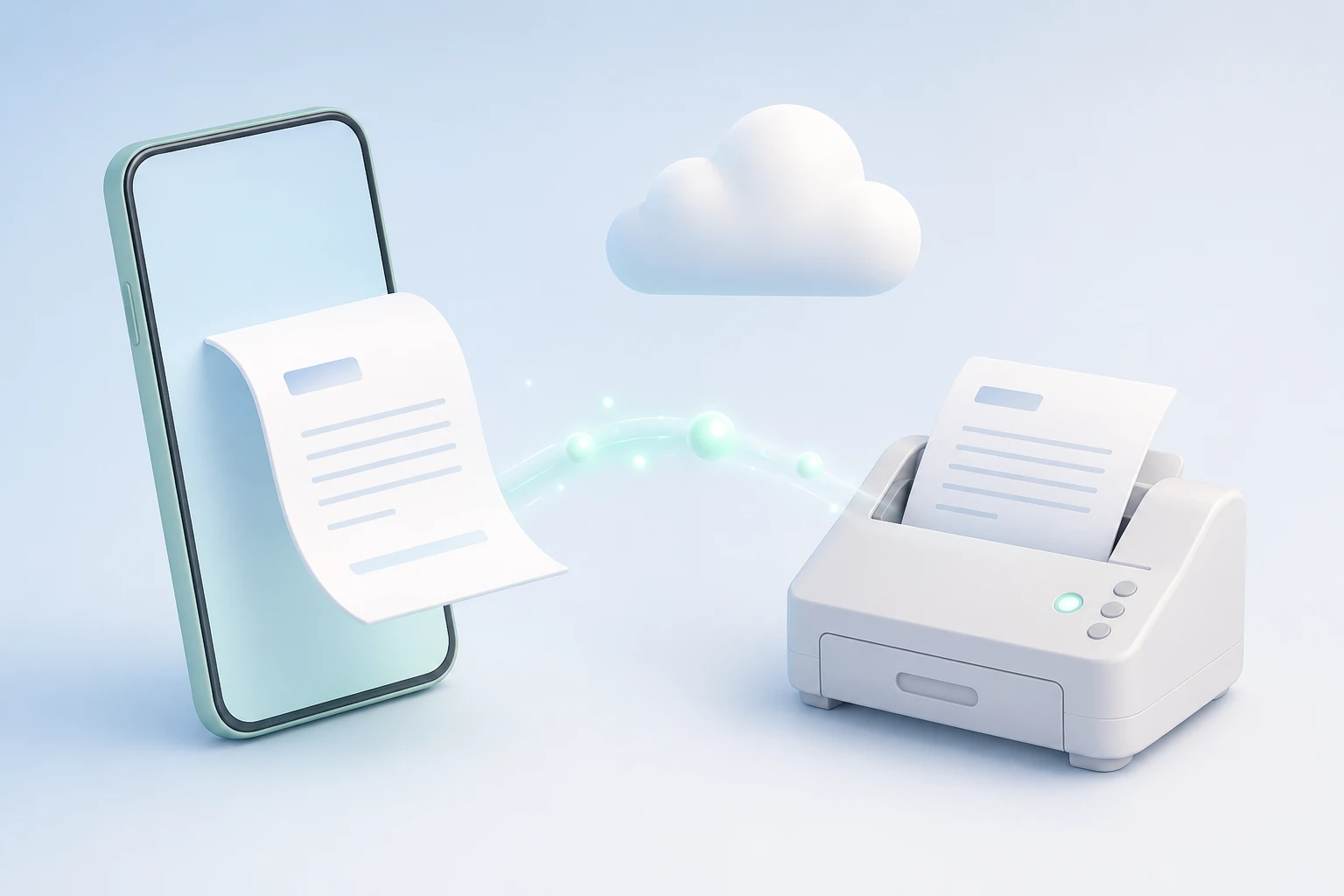
You’ve been asked to fax something, and the only thing to hand is your phone. That’s genuinely all you need. A fax has to cross the old fax network, which your phone can’t do by itself — but a fax service bridges that gap, taking your document over the internet and handing it to the recipient’s fax machine at the other end. Below are the three ways to do it, what each is best for, and how it differs on iPhone and Android.
Can You Fax From Your Phone?
Yes. Any modern smartphone can send and receive faxes — you don’t need a machine, a landline or a trip to a print shop. Your phone doesn’t do the faxing itself; a fax service does, and you reach it through an app, a website or your email. Once you’re set up, sending a fax takes about as long as sending an email with an attachment.
The Three Ways to Fax From a Phone
How the methods compare — pick by how often you fax.
| Method | Best for | Needs an app? | Typical speed |
|---|---|---|---|
| Fax app Municorn Fax | Regular faxing, with scanning and receipts in one place | Yes — free to install | ~1–2 min |
| Web browser EveryFax | A one-off, with nothing installed | No | ~2–3 min |
| Email EveryFax | When you’re already in your inbox | No | ~2–3 min |
How to Fax From Your Phone With an App
If you fax now and then — or want scanning, sending and your receipts all in one place — an app is the easiest route to manage. We’ll use Municorn Fax, the top-rated fax app on the App Store and Google Play (4.8★).
- Install Municorn Fax from the App Store or Google Play and open it.
- Sign up and choose your own fax number from any US or Canadian area code.
- Tap New Fax and enter the recipient’s fax number, adding the country code if it’s going abroad.
- Add your document: scan a paper page with the camera, or attach a file from your phone, Google Drive, iCloud or Dropbox.
- Review the pages, add a cover sheet or a signature if you need one, then tap Send.
- Check the delivery receipt to confirm it arrived, and keep it as proof.
For the step-by-step version on your own device, see our guides to faxing from an iPhone and faxing from an Android phone.
Faxing Without an App: Web or Email
Don’t want to install anything? Two routes need nothing on your phone, both through EveryFax. The first is web faxing: open EveryFax in Safari or Chrome, log in, upload your document, enter the number and send. The second is email-to-fax: attach your document to an ordinary email and address it to the fax number in EveryFax’s format — the recipient’s number with country code, then @send.everyfax.com, so a US number looks like 12133922443@send.everyfax.com — and send it from your phone’s mail app. Our guides to faxing from email and faxing from Gmail walk through the email route in full.
Faxing From an iPhone vs. Android
Both work the same way; the app, the web route and email-to-fax are identical on each. The only difference is which built-in tools you use to scan and find files.
| What you do | iPhone | Android |
|---|---|---|
| Scan a paper page | Notes or Files app | Google Drive |
| Attach an existing file | Files or iCloud Drive | Drive or Downloads |
| Fax in a browser | Safari | Chrome |
| Send by email-to-fax | Mail app | Gmail app |
For the full step-by-step on each, see how to fax from an iPhone and how to fax from an Android phone. On a tablet or computer instead? We cover how to fax from an iPad and how to fax from a Mac.
Does Google Voice Work for Faxing?
No. Google Voice can’t send or receive faxes — it runs on internet calling that fax tones can’t travel over, so a fax to a Google Voice number simply won’t go through. If Google Voice is your main number, use one of the three methods above instead; they work no matter what your phone number is.
Can Your Phone Receive Faxes Too?
Yes. Your own phone number can’t receive a fax, but the dedicated fax number you get when you sign up can — and incoming faxes arrive as PDFs in the app or your inbox rather than on paper. Give out that number and faxes reach you wherever you are. There’s more in our guide to receiving faxes online.
When Does a Fax Machine Still Make Sense?
For almost everyone, a phone does everything a fax machine did and more. There are two honest exceptions. The first is very high inbound volume — an office receiving hundreds of faxes a day may prefer dedicated hardware or a fax server to a mobile-first setup. The second is air-gapped or high-security environments, where some government and defense sites are required to keep a physical fax on an isolated line. For individuals, small businesses, clinics and law offices, though, faxing from a phone is the equivalent of a machine and a good deal more convenient.
What We Found Testing the Services
We’ve reviewed and hands-on tested the major fax services, sending real faxes through each.
“Free” usually means a trial
Of the services marketed as free, only a couple let you fax genuinely free without handing over card details — and those cap you hard. The most polished “free” options tend to be one-week trials that need a card, so the slicker it looks, the less free it usually is.
Free rarely covers receiving
Most free and low-cost services are send-only; being able to receive a fax at no cost is far rarer. If you need to receive as well as send, the free end of the market mostly won’t help.
The cheapest services cut support and security first
In our scoring, the lowest-priced services were consistently the weakest on support and security — the two things you only notice when a fax fails or the document is sensitive. Paying a little more usually buys help when you need it and encryption you can rely on.
We break down every service we tested, with scores, pricing and scans of the faxes they actually sent, in our best online fax services and free fax services guides.