
Table of Contents
- How to Fax Without a Phone Line, Step by Step
- Can You Fax Over Wi-Fi or Cellular?
- Using a Phone Line and Fax Machine
- No Phone Line? Use an Online Fax Service Instead
- Other Ways to Fax Without a Phone Line
- Fax Without a Phone Line Using an App You Can Trust
- Which Is More Expensive: Phone Line Faxing or Online Faxing?
- Frequently Asked Questions
Quick answer: To fax without a phone line, skip the machine and use an online fax service instead — from a mobile app, a web browser, or your email. Sign up with something like Municorn Fax (or EveryFax for web and email), pick your own fax number, attach your document, and send it over the internet. It works over wifi or cellular data, so there’s no landline, no machine, and no phone jack to install.
Sending faxes is still an essential part of life sometimes, especially when we need to deal with important things like healthcare or insurance, taxes and the government, or legal processes such as buying a house. Thanks to the rise of online faxing and mobile apps, faxing without a phone line is now easier than ever, and more and more people are doing it.
Faxing is moving on from traditional fax machines; 78.7% of US adults lived in a home with no landline in the second half of 2024, and a physical fax machine needs one to connect to. Thanks to internet fax companies, all you really need is an internet connection and a cell phone. Don’t have a fax machine either? Here’s how to fax without a fax machine.
No phone line? No problem. You’ve got everything you need already, and now we’ll show you how to do the rest.
How to Fax Without a Phone Line, Step by Step
If you need to send faxes without a phone line and avoid having to purchase a physical fax machine, follow these easy steps below to start faxing within minutes:
Install Municorn Fax
Visit the Municorn Fax link or search for it on the App Store to download it today. Municorn Fax is an online fax service that turns your cell phone into a fax machine, taking advantage of your phone’s technological capabilities to give you all the benefits of a fax machine with no extra expense.
Sign up
Follow the easy steps inside the app to gain access to its online faxing capabilities. The app integrates with your Apple ID and also has a live support chat function inside the app in case you have any questions about faxing.
Get your fax number
Inside the app, you can choose your own dedicated fax number. You can search for every area code in the US and Canada and select any one to get your number set up to send and receive faxes — even if you don’t live in that area! Once you’ve chosen your area code, generate your online fax number. The app will take a moment to prepare it and then display your new number. You’re now ready to send faxes, and you can share this number with your contacts.
Start a new fax
Navigate to the ‘New Fax’ page using the bottom menu. From there you can enter the recipient’s fax number and add a cover page.
Add your documents
Attach a document already stored on your device, or use the app’s integrated features to upload from a file-sharing service such as iCloud, Google, or Dropbox. There’s also the camera on your phone, which becomes a scanner inside the app and will seamlessly scan documents, detecting the edges of the paper and preparing the image as a PDF for faxing.
Review and send
When you’ve scanned or uploaded all your documents and prepared your cover sheet, check the recipient’s fax number and review your fax. You can rearrange the documents into whatever order you need, then press the send button at the bottom of the screen. Afterwards, the ‘Sent’ menu keeps all the faxes you’ve sent, documents and cover sheets included — just as you can with emails and text messages, you can view previously sent faxes and recover anything you need, handy if you ever change or lose your cell phone.
You can also receive faxes
Online fax services give you a dedicated fax number and an inbox, fully backed up to your account. You don’t need a phone line; just sign up, receive your number, and as long as your cell phone is connected to the internet, the service directs all incoming faxes to your device. Open your inbox in the app to view your number, and every fax you receive will be shown there.
Can You Fax Over Wi-Fi or Cellular?
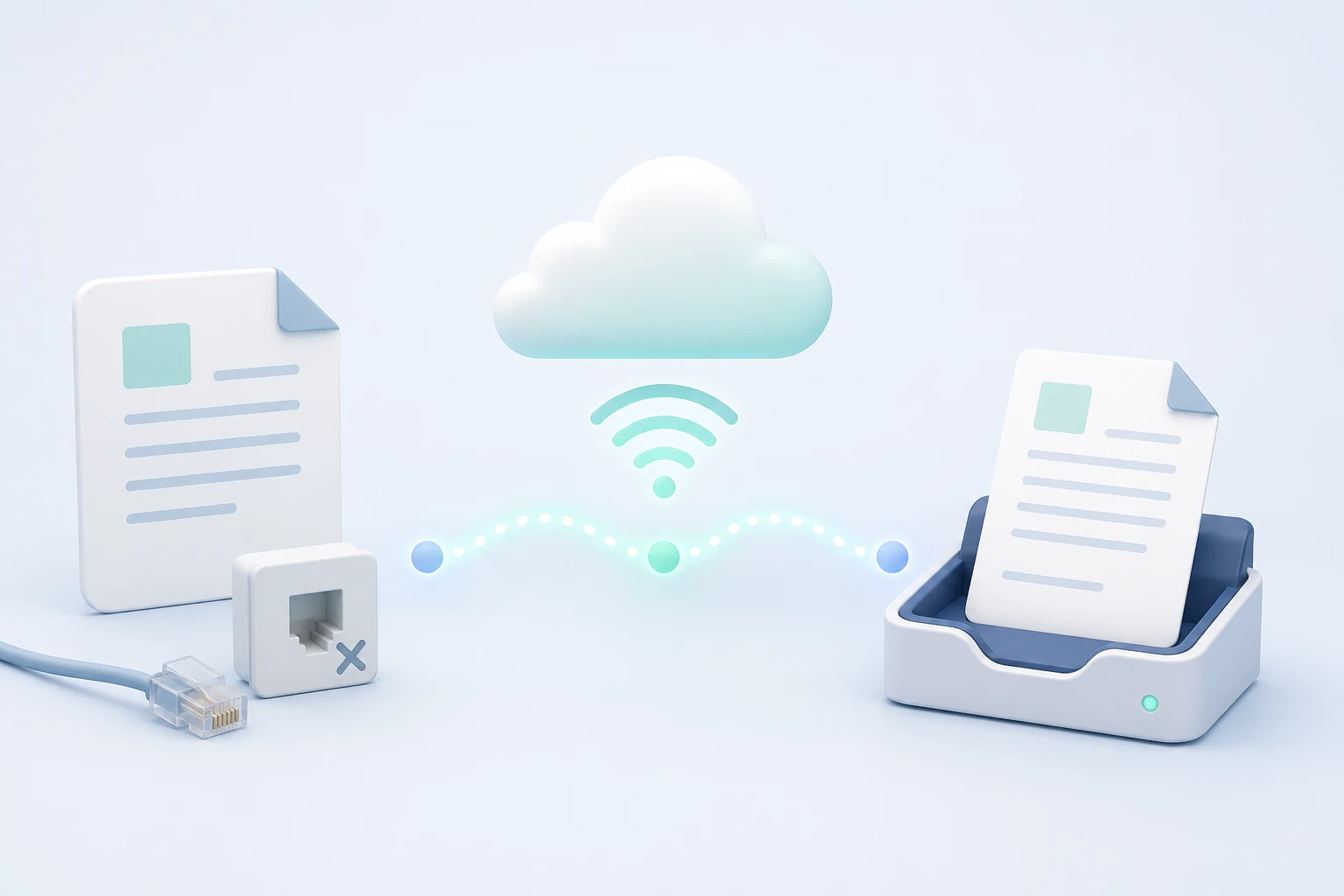
Yes — and it’s simpler than it sounds. When you fax without a phone line, you’re faxing over the internet, which means your ordinary wifi or mobile data does the job. An online fax service takes your document, converts it, and hands it to the fax network for you, so a steady wifi or cellular connection is genuinely all you need — at home, at the office, or halfway up a mountain with a signal.
One thing worth clearing up, because people often ask: a wireless fax printer isn’t the same thing. Those connect to your wifi so your computer can print to them without a cable, but they still need a phone line plugged in to actually send a fax. If you want to fax with no landline at all, an online fax service — app, web, or email — is the real wireless method. It sends over wifi or cellular, with no printer, modem, or phone jack involved.
Using a Phone Line and Fax Machine

Thanks to online faxing, faxing without a phone line is quick, easy and cheap. Over half of households today are without a landline; however, if you do have a traditional phone line and want to use a traditional fax machine, you may find it harder, longer and more expensive, and could save money by using online fax services instead.
Instead of simply using your cell phone to download an app, sign up and start faxing, you’ll need to make sure you’ve done the following:
- Purchase a physical fax machine. Basic fax machines can start at around $200, but the more advanced machines — with features such as high-speed transmission, an all-in-one printer, better scanning and resolution, and integrated phone and copiers — can cost much more.
- Install a phone line. If you already have one, you can check that it’s compatible with fax transmission and use a phone jack to connect your machine. If, like most households, you don’t have a phone line installed, you’ll need to contact your telephone provider and arrange one; this involves an installation fee and monthly service fees. You may want a dedicated line for the fax machine to avoid interrupting your landline. Installation can cost around $100, and monthly fees anywhere from $30 to $80 depending on your package. If your phone company is retiring copper where you live, read what that means for a fax machine before paying for a line.
- Connect and set up the fax machine. Fax machines need to be connected and tested, and you may need to configure settings such as the date, time and your number. Get the date and time wrong and outgoing faxes can be dated incorrectly. A fax app on a cell phone handles all of this automatically.
- Be aware of extra costs. With physical fax machines, plan for extras such as paper and toner/ink, plus any maintenance and repairs if parts fail. You can buy service plans and ink subscriptions to save time and plan ahead.
As you can see, while phone lines and physical fax machines have been the most common way to send faxes for decades, compared to fax software on mobile devices it’s often the more expensive and inconvenient option today. Thanks to the internet, you can fax without a landline and send documents conveniently for only a small fee.
No Phone Line? Use an Online Fax Service Instead
You can fax without a phone line using an internet fax provider, and with a good one you get more capability and convenience than a traditional fax machine gives you. Here are a few of the reasons to skip the phone line and fax online instead.
Global Reach
An online fax service only needs a cell signal or wifi, so you can send and receive from anywhere in the world — no extra fees for international or remote faxing. You can be traveling or on vacation with your fax machine in your pocket.
24/7 In-App Support
Municorn Fax has round-the-clock support built into the app, so help is there whenever you have a question. If a fax machine or phone line breaks you wait for an engineer — app support is instant, from anywhere. It’s one reason the app holds a 4.8 average across 370,000+ App Store reviews.
Advanced Features as Standard
The app has all the features of a high-end fax machine even on the most basic subscription: international faxing, high-resolution scanning, cloud-storage and email integration, sending large batches of documents, and editing or signing scanned pages.
You’ll Save Money
Even basic fax machines start at around $200, before ink, paper, maintenance and monthly landline costs. Faxing is much cheaper when you can download an app and use a flexible subscription that fits your needs at a far lower cost.
You’ll Also Save the Environment
Your footprint is much smaller with a fax app. No phone line, machine, paper or ink means less energy and fewer resources used — and greener faxing is a goal for more and more businesses, which online fax services help them reach.
Other Ways to Fax Without a Phone Line
If you can’t use online faxing, there are other ways to send a fax without needing a phone line. Many offices and companies still keep fax machines or online fax services, so if you work in an office or a large organization, ask the IT team — they may be able to help you send one, and it probably won’t cost you anything. The downside: for sensitive information, or for receiving faxes, it may not be the best choice, and it can be inconvenient.
Another popular option is to use a business that offers access to a fax machine or faxing services. Plenty of shops provide self-service fax machines, computers and scanning facilities that let customers send a fax for a small price without installing their own phone line. Stores such as Staples, UPS, FedEx Office and more offer faxing — check out our guides for each:
- Fax at FedEx
- Fax at UPS
- Fax at USPS
- Fax at Office Depot
- Fax at Staples
You may have walked past places like this every day without realizing you can go in and send a fax there. Many can also receive faxes on your behalf — though, again, it isn’t always convenient, and if you’re dealing with confidential information you might not feel totally comfortable doing it.
Fax Without a Phone Line Using an App You Can Trust
Whether you’re an individual filing your taxes or dealing with a healthcare insurer, a small business that needs a fax number for some customers, or part of a large organization, there’s no longer any need for a phone line to send and receive faxes.
You can save money, time, effort and the environment by switching to a fax app or online fax service today. Municorn Fax is not only the best fax app but regularly sits in the top charts for all business apps in the App Store.
If you were buying a fax machine, you’d research the best brand and model on the market. Do the same when choosing a fax app: look at the 370,000+ ratings on the App Store for Municorn Fax, with an average score of 4.8/5 — much higher than other fax apps.
Which Is More Expensive: Phone Line Faxing or Online Faxing?
You can save a lot of money when you fax without a phone line. Here’s how a fax machine on a phone line compares with an online fax app over a first year:
| Cost | Phone line + fax machine | Online fax app |
|---|---|---|
| Up-front | ~$400 (machine ~$250 + line install ~$150) | $0 — you already have a phone |
| Monthly | ~$40 line rental | ~$20, unlimited |
| First year, all in | ~$880 (about $70/mo) | ~$240 (about $20/mo) |
| International | Extra charges | Included |
| Ongoing extras | Maintenance, paper, ink | None |
| Commitment | Line contract | Cancel any time |
Even before you count maintenance, paper and ink, faxing without a phone line works out far cheaper — and with no up-front cost and no contract, there’s far less to commit to.